Onboarding
Wedge Lock Scaffolding


One click can bring your whole organisation to a halt. In this VR training, employees experience realistic cyber threats in a virtual office, from phishing emails and fake phone calls to suspicious devices. They learn to recognise the signs, respond correctly and report incidents, so your team becomes your strongest line of defence.
Based on
Who is this VR Cybersecurity Training for?
Specs



Eleven chapters, from passwords and phishing to rogue devices, in one continuous scenario in a virtual office. In Cybersecurity (NIS2), users will explore the following topics:

Learners see why one leaked password is enough to compromise an account and why reusing passwords is so risky. They practise creating and adjusting a strong passphrase, then search a desk for security risks such as passwords on sticky notes.

Learners log in with a second step, spot a suspicious 2FA request they did not trigger and decide how to respond to a login alert. They also get to know passkeys as a safer alternative to passwords.

In an inbox with five emails, learners decide which ones are safe and which are phishing. They learn the psychological tricks attackers use, how to respond to an urgent email and how to recognise domain spoofing.

The learner’s computer is infected. They practise the correct response step by step: isolate the device, report the incident to IT Security and safely reset their credentials.

Learners experience the difference between logging in via HTTP and HTTPS and what a VPN adds. They run a system update, learn why software must stay up to date and use a malware scanner.

A stranger calls, posing as a colleague. Learners respond safely and see how the attacker gathered their information from public profiles. They also learn to secure their laptop in public places and choose a safe socket when charging.

In 90 seconds, learners search the office for rogue devices such as a USB keylogger or a hidden microphone. They learn how these devices get in and why it pays to always stay alert. The training ends with a reflection on the key takeaways and the learner’s result.

The employee ends up in a realistic situation and has to decide what to do.

The employee chooses an answer or actually performs the action, with their own hands.

The employee immediately sees the consequences of their choice, and why the right approach works.
VR training turns theory into action. By tailoring the VR environment to your own workplace, teams can train effectively and safely anywhere.

Clients have reduced procedure training from two hours to just two minutes using VR.
Realistic environments trigger emotion and recognition, leading to better memory and safer behaviour in real situations.
Track progress, collect data for audits, and prove the impact of your training.

No external trainers needed. Train anywhere, in any language, with one consistent experience.
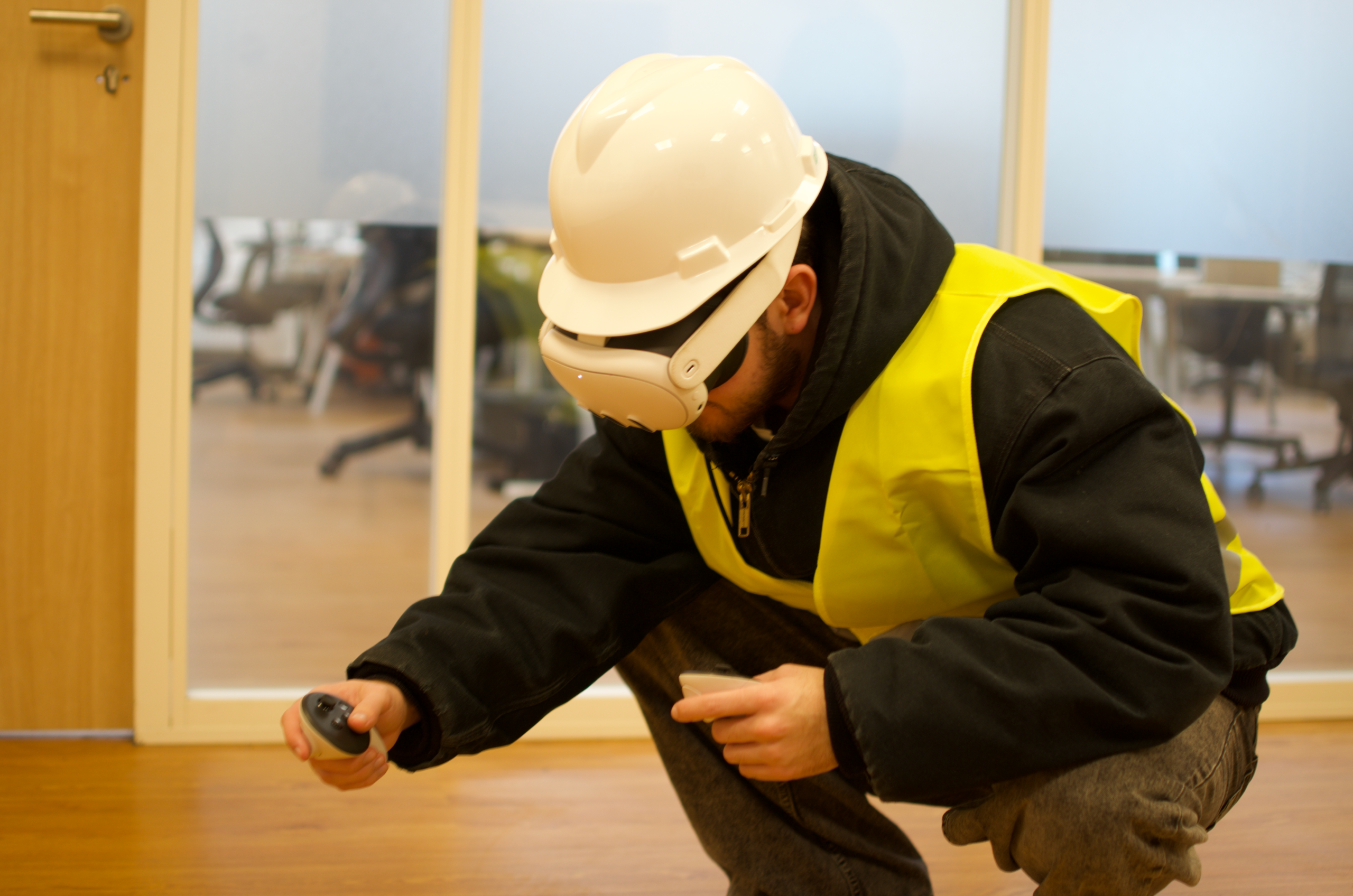
Step into the world of immersive learning. At our Experience Center, you can try our VR training modules firsthand for free. Feel what it’s like to operate in realistic work environments, explore our interactive features, and discover how VR can transform your company’s training approach.
Whether you’re curious about the technology or already considering implementation, our team will guide you through a personalized demo and answer all your questions.
Book a Free Visit
Every module follows the same structure: short interactive theory, practical exercises, and instant feedback. This consistent format makes it easy to train multiple skills using the same platform.
Duration
15-30 minutes
Chapters
11 chapters in one continuous scenario
Languages
English
Dutch
German
Including voice-over
Usage
Safety Days
Onboarding
Based on
NIS2 Directive (EU) 2022/2555
Results
Connects to your own LMS or to ours
Target audience
Office staff
All employees
Management bodies (NIS2)
Location
Classroom
Office
Home
Meta Quest 3
Pico 4 Ultra
Other headsets on request
Our process is simple and flexible. Whether you buy or rent, you can always test the module first and make small adjustments before launch.

Get a live demo of the module’s features and see how it benefits your business in real time.
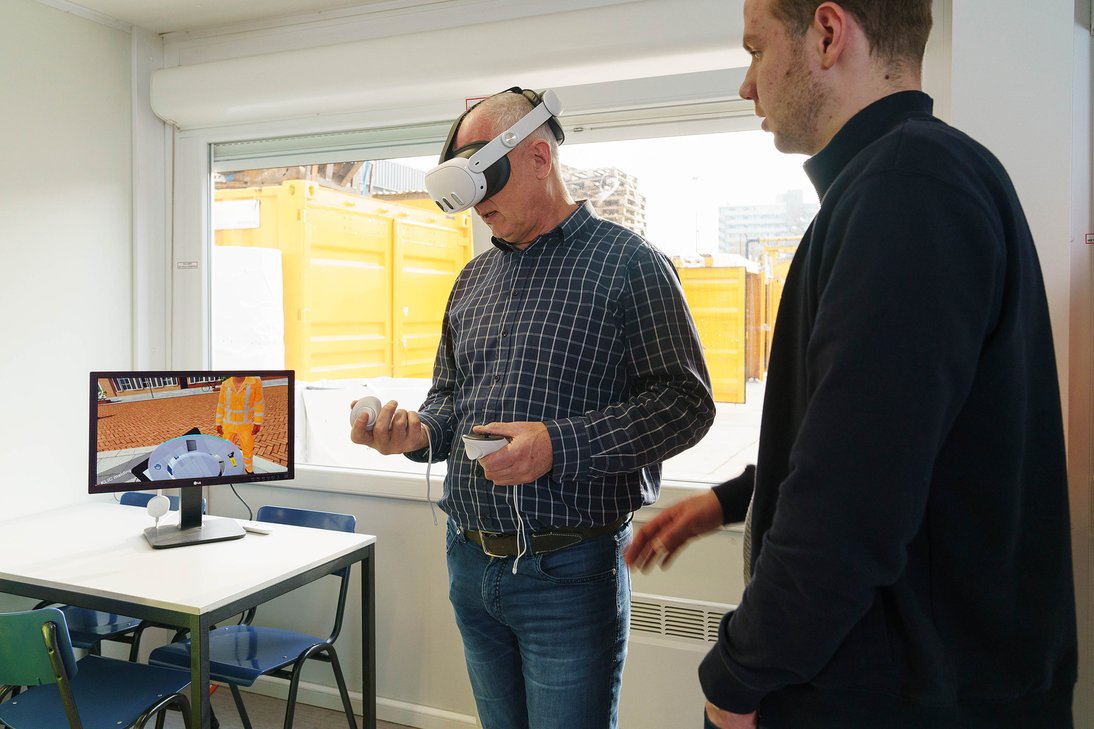
Decide if you want to adjust details such as texts, questions, branding or your own procedures for passwords, 2FA and incident reporting. We’ll help you align it with your workflow.
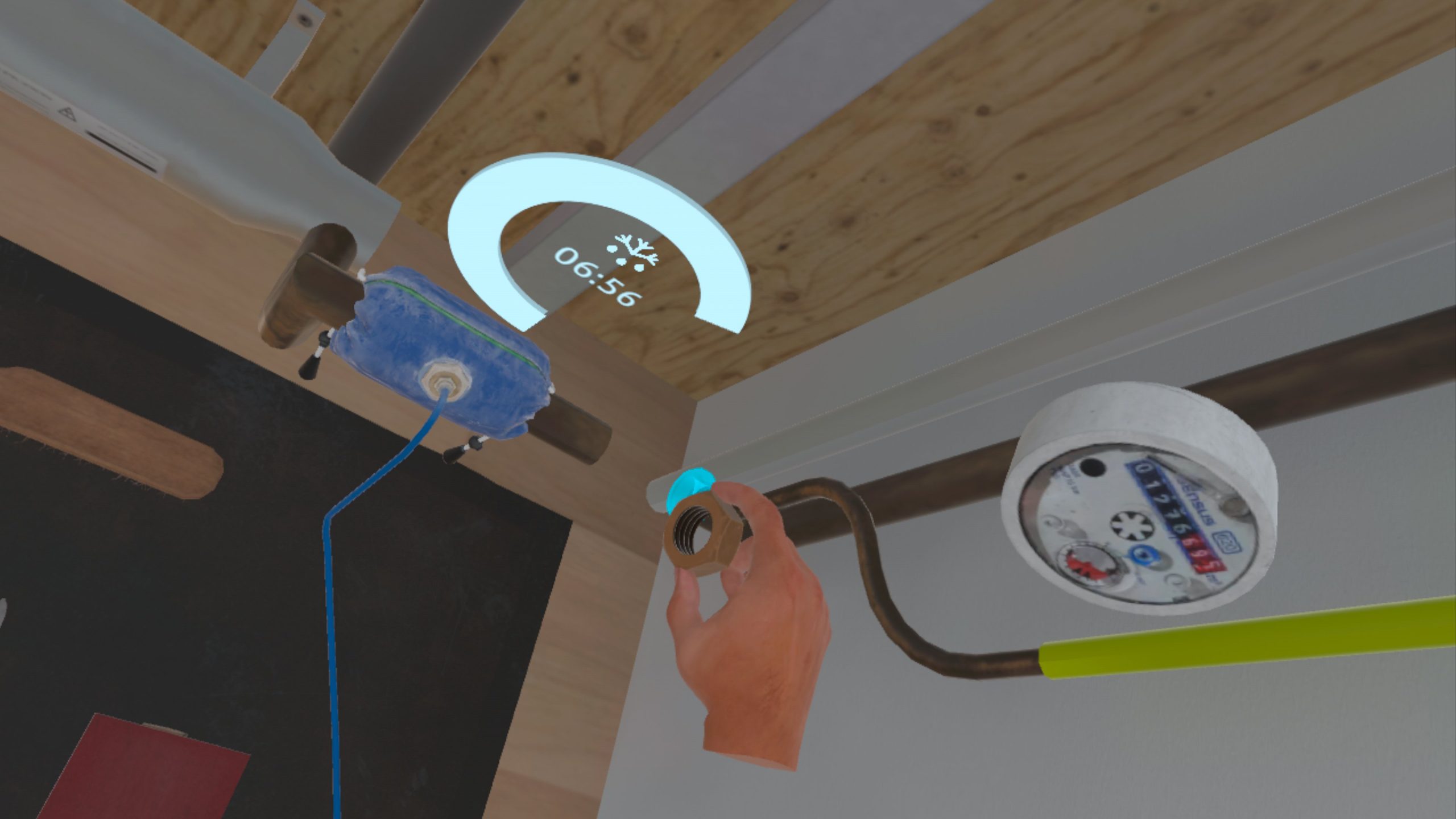
Once approved, we handle installation, headset setup, and onboarding, so your team can start training right away.
Each module can be tailored to fit your company’s identity, work environment, and audience. Some of the things we can change are:
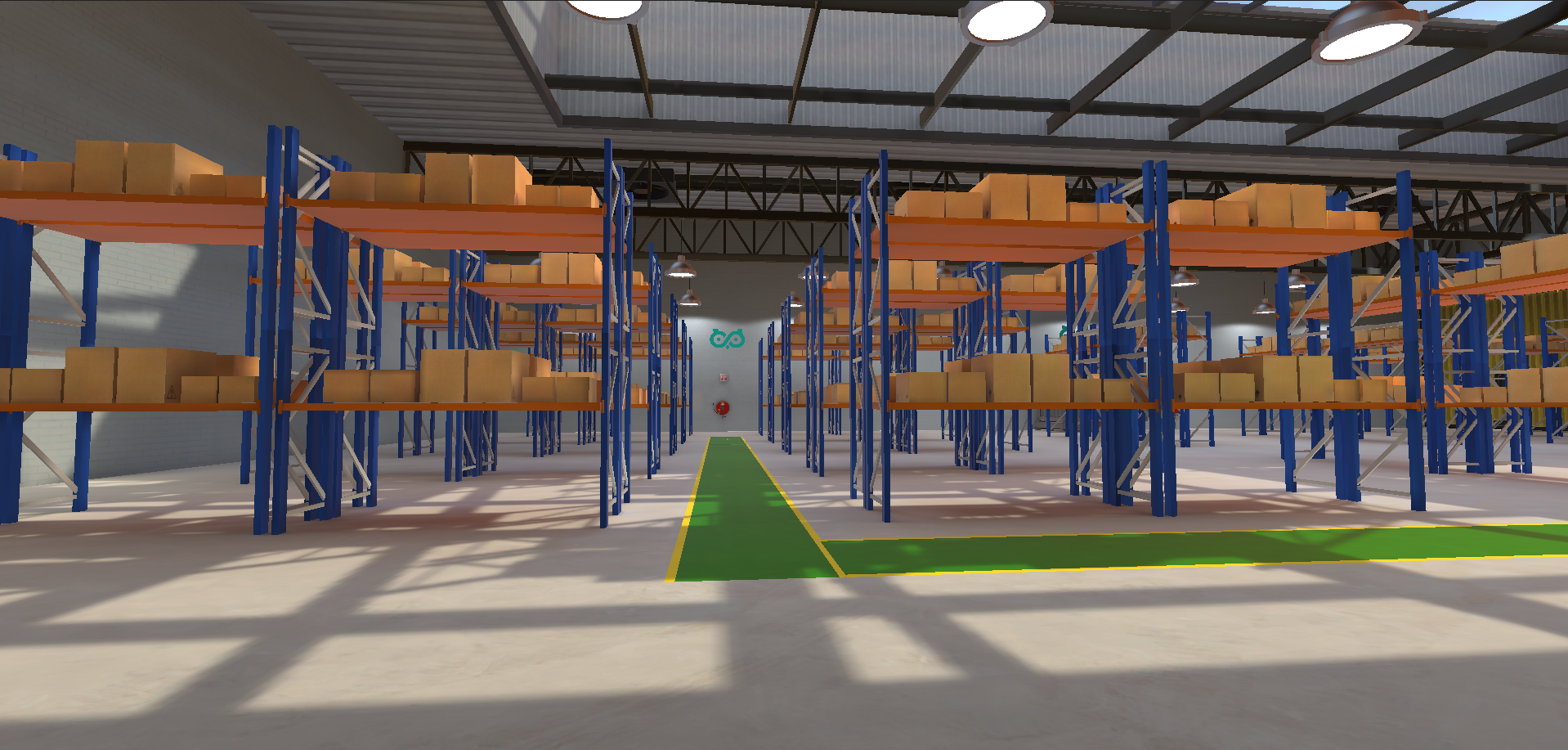
Add your company logo, colors, and assets, and a virtual office that resembles your workplace.
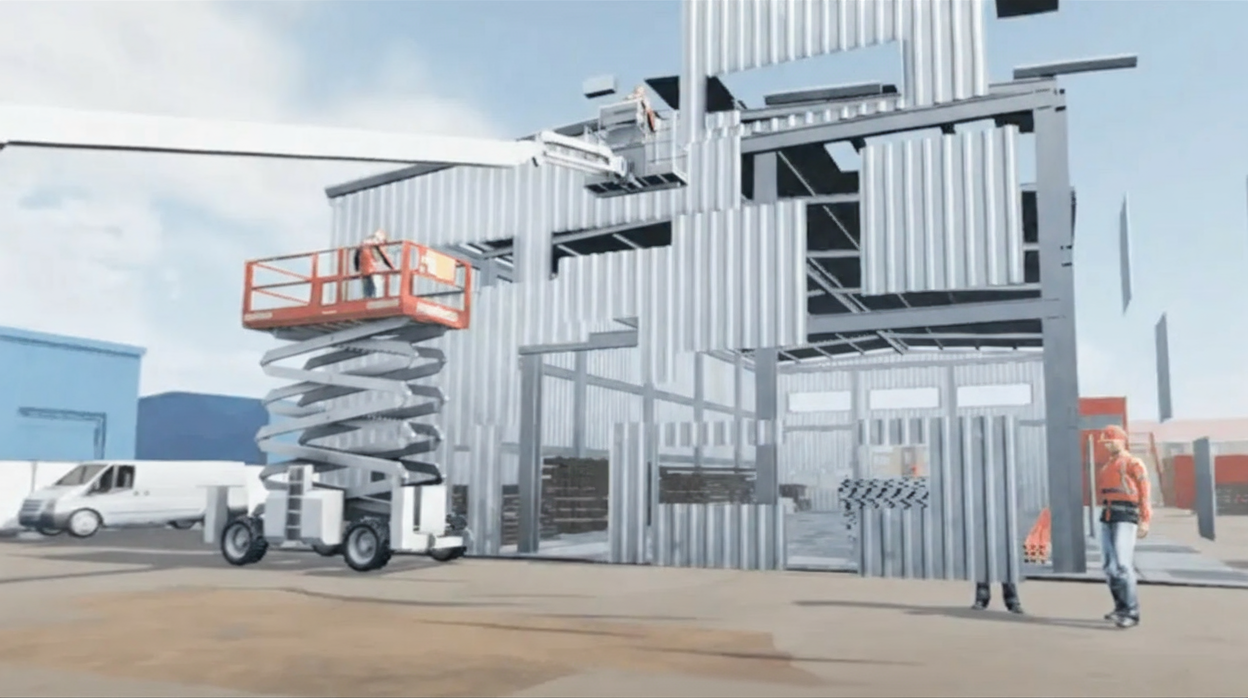
Your own rules for passwords and 2FA, your incident reporting procedure, and names, emails and examples that fit your risks.

Available right away in Dutch, English and German, with other languages possible on request.
What our Customers say about us


Choose a lifetime license for long-term training or rent the Safety Day Edition for a single event.
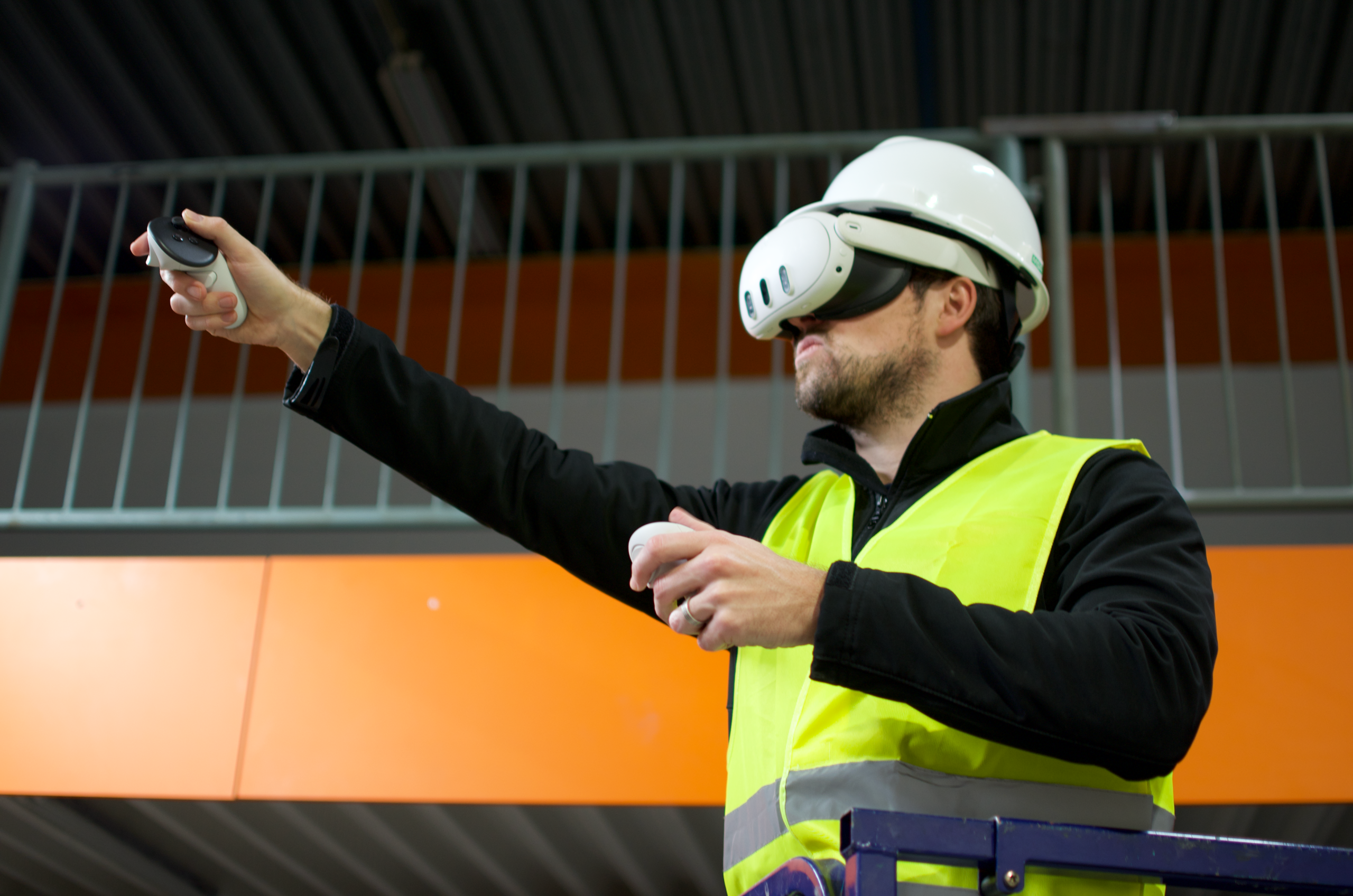
Get full access to the module for long-term use within your organization. Contact our sales team for a personalized quote.
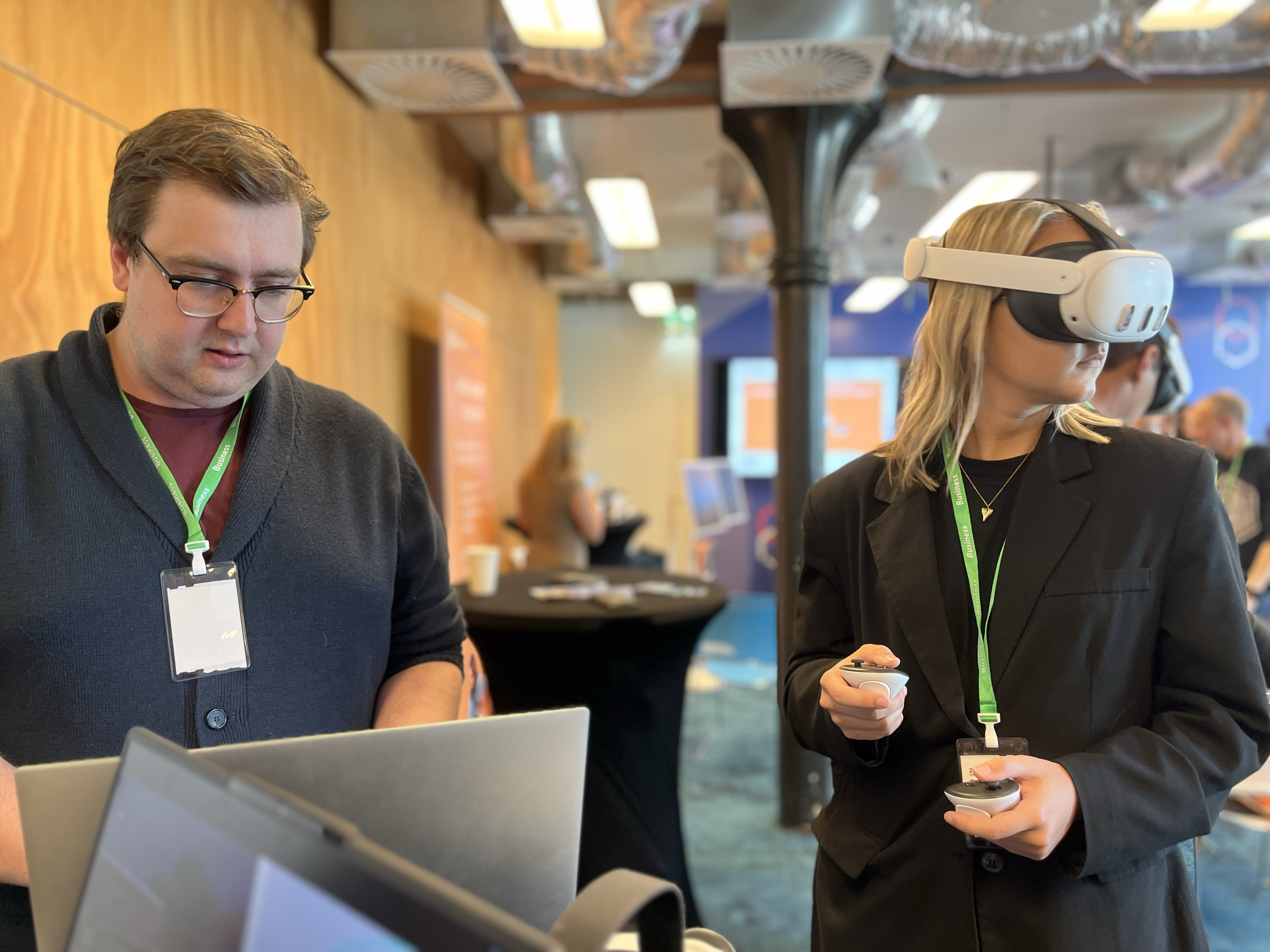
Ideal for team events or one-day training sessions. Rent hardware and get full on-site support. Starting from €2500 per day.


We have received your request and will get back to you shortly. Stay tuned!
NIS2 requires management bodies to follow cybersecurity training and encourages organisations to train all employees regularly (Art. 20(2)). Cyber hygiene and cybersecurity training are also among the measures organisations must take to manage cyber risks (Art. 21(2)(g)). This training supports both.
No. The training is designed for people with little to no experience with Virtual Reality.
No. The training runs standalone on the headset and is optimised for Meta Quest 3 and Pico 4 Ultra. Other headsets are available on request.
Yes. The training connects to your own Learning Management System (LMS) or to ours, so you can see the results of every employee.
Yes. Texts, questions, environment and branding can be adapted, from small changes within the training to a fully custom VR experience. We can share all texts, questions, answers and feedback per step, so you see exactly what your employees will see and hear.